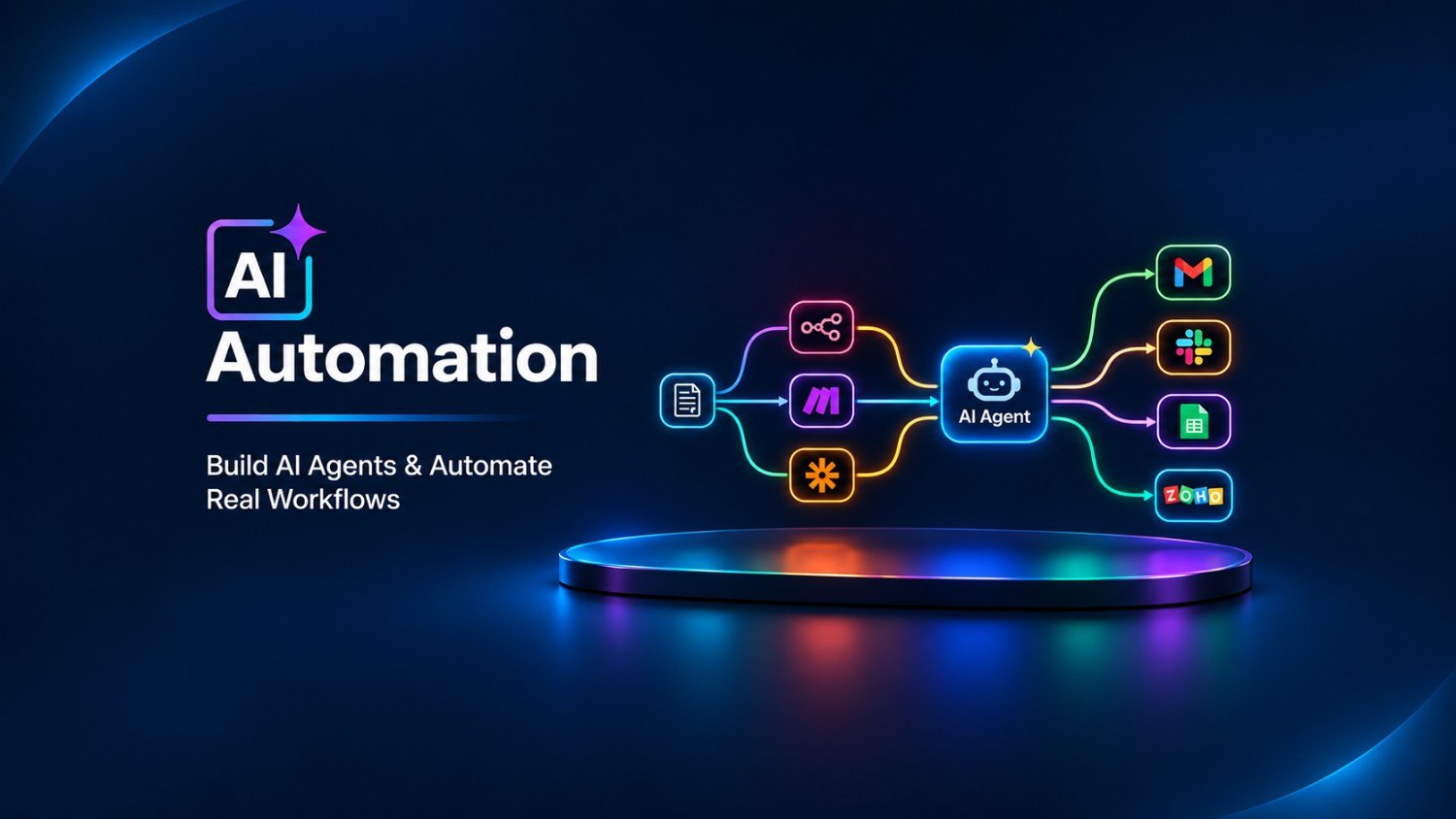
AI Automation
Learn No-Code AI Automation, Build Intelligent AI Agents & Automate Real-World Business Workflows
₹27,999.3
₹39,999
30% Off
Course Highlights
Duration
3 Months
Level
Beginner to Intermediate
Mode
Hybrid
Method
Project Based Learning
Program Highlights
45+ Live
Mentorship Sessions
10+ Tools
Learn and Explore
Master 10+ Tools

ChatGPT

Gemini

Claude

ChatBot Bot Press

n8n

Zaiper

Make
Microsoft Excel

Eleven Labs

Canva Magic Design

Zoho Books
Course Curriculum
- What is Artificial Intelligence (AI)?
- What is Generative AI and How Does It Work?
- What is Automation and Why Do Businesses Need It?
- Difference Between AI, Automation and AI Agents
Assignments
- Find 5 examples of AI used in everyday life.
- Identify 5 tasks that can be automated in a business.
Projects
- No separate project. Focus on understanding basic concepts.
- Introduction to ChatGPT and Its Uses
- Introduction to Google Gemini
- Introduction to Claude AI
- How to Write Clear and Effective AI Prompts
Assignments
- Write 10 useful prompts for daily tasks.
- Use ChatGPT, Gemini and Claude to solve the same task and compare their answers.
Projects
- AI-Powered Content & Productivity Assistant
- What is a Workflow? Understand with Simple Examples
- How Different Apps Connect and Share Information
- Introduction to Triggers and Actions
- Introduction to n8n Automation Platform
- Create Your First Simple Automation Workflow
Assignments
- Identify 5 repetitive tasks that can be automated.
- Draw a simple workflow showing how information moves from one app to another.
Projects
- Automated Form-to-Google Sheets System
- Understanding the n8n Dashboard and Basic Settings
- Working with Triggers and Actions in n8n
- Connecting Google Sheets with Other Apps
- Creating Multi-Step Automation Workflows
- Testing and Fixing Basic Workflow Errors
Assignments
- Create a workflow that automatically stores new information in Google Sheets.
- Build a simple multi-step workflow using different applications.
Projects
- Automated Lead Collection & Notification System
- Introduction to Make Automation
- Creating Your First Workflow in Make
- Introduction to Zapier
- Connecting Different Applications Using Zapier
- Understanding When to Use n8n, Make or Zapier
Assignments
- Create one simple automation using Make.
- Create one simple automation using Zapier.
Projects
- Automated Business Task Management System
- What Are AI Agents? Understand with Simple Examples
- How AI Agents Work and Make Decisions
- Introduction to Botpress
- 1. Introduction to Voiceflow
Assignments
- Identify 5 tasks that an AI agent could handle.
- Prepare 10 questions and answers for a customer support chatbot.
Projects
- AI Customer Support Chatbot
- Introduction to Voice AI and ElevenLabs
- Creating AI-Generated Voice Content
- Introduction to Zoho CRM
- 1. Managing Customer Information with Google Sheets
Assignments
- Create a short AI voice recording using ElevenLabs.
- Organise sample customer information in Google Sheets.
Projects
- AI-Powered Customer Communication System
- Understanding Real-World Business Automation Problems
- Using Canva AI for Business Content Creation
- Testing and Improving Automation Workflows
- Deploying and Managing Basic Automation Workflows
- Final Capstone Project Presentation
Assignments
- Identify one real business problem that can be solved using automation.
- Prepare a simple workflow plan for your final project.
Projects
- Build an AI-Powered Business Automation System
What Our Learners Say
Aarav Sharma
College Student
“I joined this course because I wanted to understand AI beyond just using ChatGPT. The practical workflow sessions made things much easier to understand. I especially enjoyed learning how different tools can work together.”
Priya Das
Digital Marketing Executive
“The automation concepts are really interesting. I can now understand how repetitive marketing tasks can be simplified using different AI tools. The practical examples make the learning experience better.”
Sneha Roy
B.Com Graduate
“As someone without a technical background, I initially thought AI automation would be difficult. But learning the tools step by step made the concepts much easier and more interesting.”
Rahul Verma
Working Professional
“I was looking for a course that explained AI automation in a simple way. The structured approach and hands-on activities helped me understand the basics without getting confused by technical terms.”
Aditya Singh
Freelancer
“I wanted to explore how automation could help with freelance projects. Learning about n8n, Make and AI agents gave me a better idea of how these tools can solve practical problems.”
Ishita Banerjee
Business Management Student
“The best part for me is understanding how AI can be used in real business situations. I found the chatbot and workflow automation topics particularly interesting.”
Mohammed Arif
Small Business Owner
“I wanted to understand how technology could reduce repetitive work in business. The sessions around CRM and business automation were useful and easy to follow.”
Neha Gupta
Recent Graduate
“The course introduces several useful AI tools in a structured way. I liked that the focus is not only on theory but also on understanding how to build practical workflows.”
Kunal Mehta
IT Support Executive
“I already had some exposure to technology, but AI agents and no-code automation were new areas for me. The practical approach helped me connect the concepts with real applications.”
Riya Mukherjee
Entrepreneurship Student
“I enjoyed exploring different AI applications and understanding how they can work together. It helped me see AI automation as a practical skill rather than just a technology trend.”
Frequently Asked Questions
No. This is a beginner-friendly, no-code AI Automation course. You do not need prior coding or programming experience. Basic computer knowledge and an interest in learning AI are recommended.
This course is suitable for students, fresh graduates, working professionals, entrepreneurs, business owners, digital marketers, freelancers and anyone interested in learning AI automation.
The course duration is 3 months, with structured training sessions of approximately 1 to 1.5 hours per class. Students also receive 5 months of course access.
The course follows a hybrid learning model, combining offline and online learning opportunities.
You will learn tools including ChatGPT, Google Gemini, Claude, n8n, Make, Zapier, Botpress, Voiceflow, ElevenLabs, Zoho CRM, Google Sheets and Canva AI.
Yes. You will learn the fundamentals of AI agents and build basic intelligent agents and interactive chatbots using tools such as Botpress and Voiceflow.
Yes. You will complete 6 practical projects and 1 final capstone project based on real-world business requirements. These projects will help you apply your learning to practical automation challenges.
Some AI and automation platforms offer free plans, while certain advanced features may require paid subscriptions. Tool access and subscription requirements will depend on the practical activities and platform policies.
Praxia Skill provides an internship opportunity, placement assistance and freelancing guidance to eligible learners. These services are intended to support your career development and do not guarantee a job or paid internship.
Students who successfully complete the course requirements will receive a course completion certificate from Praxia Skill.