Build a Scalable Backend for AI Apps
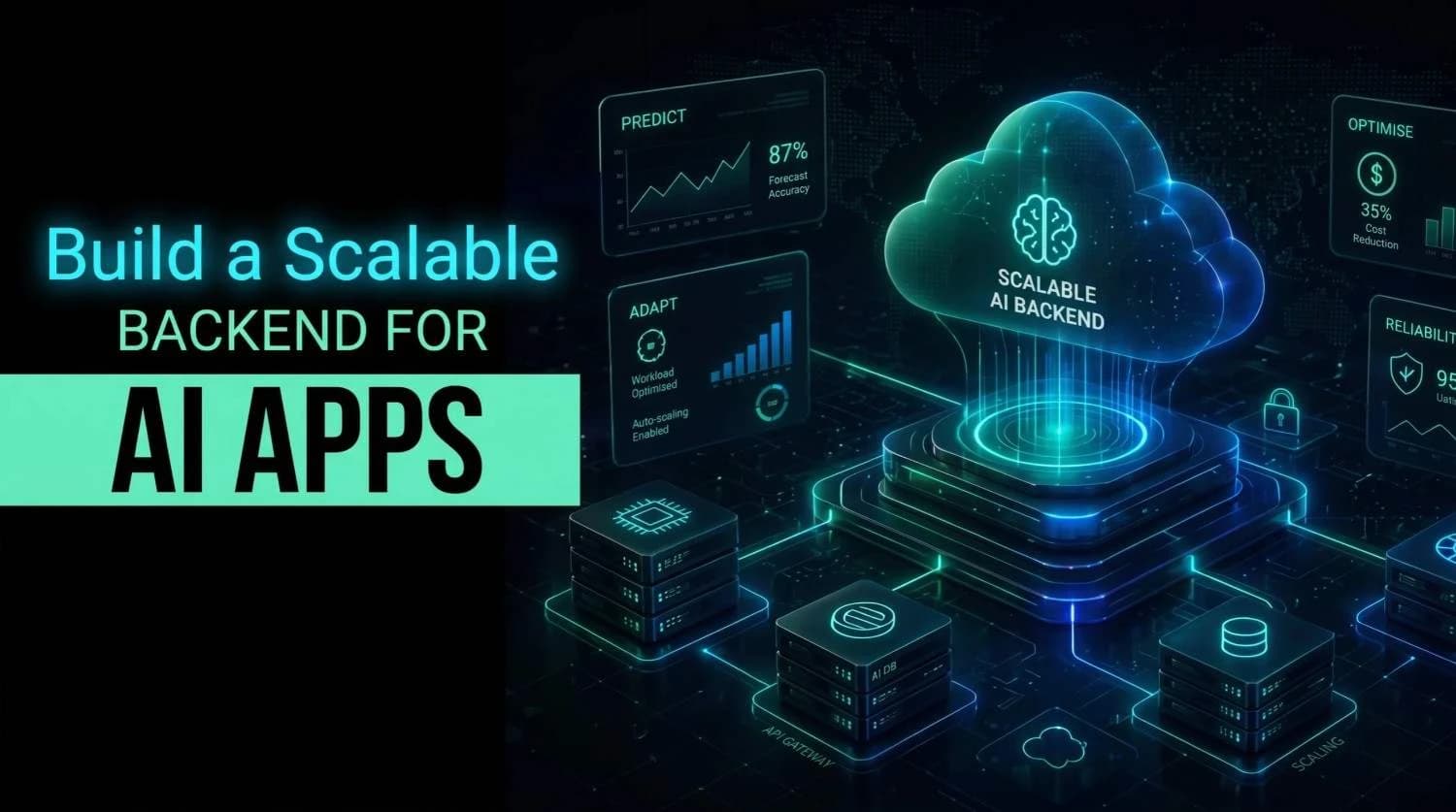
An AI application may perform well with a handful of users but struggle when hundreds or thousands of requests arrive simultaneously. Model inference takes longer, API limits are reached, database queries become slower, and infrastructure costs begin increasing unexpectedly.
The problem is not always the AI model itself. A poorly designed backend can become the main bottleneck, even when the model performs efficiently.
Building a scalable backend for AI apps requires more than connecting a frontend to an AI API. Developers must consider request handling, model inference, data storage, background processing, security and infrastructure management. A well-designed backend ensures that applications can handle increasing workloads without sacrificing reliability or user experience.
A scalable backend is a server-side architecture that can handle increasing user traffic, data processing requirements and computational workloads without significant performance degradation.
In AI applications, the backend performs several responsibilities:
Receives requests from web and mobile clients.
Authenticates users and validates incoming data.
Communicates with AI models and external APIs.
Stores application data, conversation history and files.
Manages background processing and long-running tasks.
Monitors usage, performance and infrastructure costs.
Unlike conventional applications, AI-powered systems often depend on resource-intensive model inference and external AI services. This makes request management, asynchronous processing and cost control particularly important.
The architecture determines how different parts of an AI application communicate and handle workloads.
For smaller applications, a modular monolithic backend can be a practical starting point. It keeps related functionality within one deployable application while maintaining clear separation between authentication, user management, AI orchestration and data access.
As workloads grow, developers can separate resource-intensive components into independent services.
For example, an AI application might contain:
API service: Handles authentication, validation and client requests.
AI orchestration service: Manages prompts, model selection and AI API communication.
Database service: Stores users, application records and conversation metadata.
Worker service: Processes long-running tasks and queued requests.
Storage service: Manages uploaded documents, images and generated files.
This approach allows developers to scale specific components without unnecessarily increasing the resources allocated to the entire application.
Microservices can be useful when different components have distinct scaling requirements, but they also introduce operational complexity. They should be introduced when the workload or organizational structure justifies them.
An API gateway provides a controlled entry point between clients and backend services. It can handle authentication, request validation, routing and rate limiting.
For an AI application, this is particularly useful when multiple services handle different operations, such as chat generation, document processing and image generation.
Load balancing distributes incoming requests across multiple backend instances. Instead of directing all traffic to one server, the system can distribute workloads among available instances.
This helps prevent individual servers from becoming overloaded.
However, load balancing alone does not make an application scalable. Developers must also consider database capacity, shared session management, connection limits and the availability of downstream AI services.
Not every AI operation needs to keep the user's request waiting until the entire process finishes.
Tasks such as document analysis, report generation, large-scale data processing and multi-step AI workflows may take several seconds or longer.
A message queue allows the backend to accept a task, store it for processing and return a task identifier to the client.
A typical workflow looks like this:
1. The client submits an AI processing request.
2. The API validates the request and places a job in a queue.
3. A background worker retrieves the job.
4. The worker communicates with the AI model.
5. The result is stored and the job status is updated.
6. The client retrieves the completed result through polling, a webhook or another notification mechanism.
Technologies such as Redis-based queues, RabbitMQ and Apache Kafka can support different messaging requirements.
The important consideration is to make job processing reliable. Use job identifiers, idempotency controls, bounded retries and failure handling to avoid duplicate processing or lost tasks.
Model inference can become one of the most expensive and time-consuming operations in an AI backend.
When applications depend on external AI providers, developers must account for request limits, token consumption, model availability and response latency.
Several techniques can improve request efficiency.
Model selection: Choose a model that matches the complexity of the task. Not every operation requires the most computationally expensive model.
Streaming responses: Stream generated output to the client as it becomes available. This improves perceived responsiveness without necessarily reducing the total generation time.
Batch processing: Group suitable independent operations when the provider and workload support batching.
Request optimization: Remove unnecessary prompt content, control output length and avoid repeated calls for information that is already available.
Retry management: Handle temporary rate limits and service overload using bounded exponential backoff with jitter. Respect provider-supplied retry instructions instead of repeatedly sending requests.
These techniques help manage both performance and AI API expenditure.
AI applications often manage several types of data, including user accounts, chat history, documents, embeddings and application metadata.
A relational database such as PostgreSQL can handle structured application data and transactional operations. Document databases may be suitable for particular flexible data models, while object storage can manage large uploaded files and generated assets.
Applications using retrieval-augmented generation (RAG) may also need vector search to retrieve relevant information based on semantic similarity.
Vector databases or vector-search extensions can support this functionality, but they should be selected according to indexing requirements, data volume, filtering needs and retrieval performance.
Avoid sending large documents or complete conversation histories with every request when only a small portion is relevant. Use appropriate retrieval, pagination, indexing and data retention policies to control database and inference workloads.
Containerization makes backend services easier to package, deploy and run consistently across different environments.
Docker is commonly used to package applications with their dependencies. Kubernetes can manage containerized workloads, including service deployment, health checks and automated scaling.
With Kubernetes Horizontal Pod Autoscaling, developers can adjust the number of application replicas according to observed resource utilization or supported custom metrics.
Cloud platforms also provide managed databases, object storage, monitoring and container deployment services.
However, scaling backend servers does not automatically scale AI model inference. Applications using self-hosted models may require specialized GPU infrastructure, inference servers and independent capacity planning.
For external AI APIs, the application must instead manage provider limits, request concurrency and downstream service availability.
A scalable AI backend must remain secure and observable as usage increases.
Never expose private AI provider API keys in frontend JavaScript or mobile application code. Keep credentials on the server and use appropriate secret-management systems.
Implement authentication, authorization, input validation, request limits and usage quotas. AI applications should also consider prompt injection, sensitive data exposure and unauthorized access to retrieved documents.
Monitoring should cover more than server uptime. Track:
API response times and error rates.
Queue depth and job processing delays.
AI provider latency and failure rates.
Token consumption and cost per operation.
Database performance and connection usage.
CPU, memory and GPU utilization where applicable.
These measurements help developers identify bottlenecks before they significantly affect users.
Scaling everything together: Independent services may require different resources and scaling strategies.
Ignoring API rate limits: Uncontrolled concurrent requests can trigger throttling and service failures.
Using synchronous processing for every task: Long-running operations can create unnecessary request timeouts.
Overcomplicating the architecture: Premature microservices increase deployment and maintenance overhead.
Start with a modular architecture and measure actual workload patterns before introducing additional infrastructure. Separate AI inference and background processing when they have different resource requirements.
Use caching only when the data is reusable and safe to share across the relevant users and contexts. Apply appropriate expiration and invalidation policies.
Test the application under realistic concurrent workloads, including provider throttling, worker failures and database interruptions. Document resource limits and define how the application should behave when a dependency becomes unavailable.
1. Which backend technology is best for AI applications?
There is no universal best choice. Python frameworks such as FastAPI are useful for AI and machine learning integrations, while Node.js frameworks such as Express and NestJS work well for API-driven applications. The choice depends on team expertise, workload and integration requirements.
2. How do AI applications handle thousands of simultaneous requests?
They use techniques such as load balancing, horizontal scaling, request queues, controlled concurrency, caching and asynchronous processing. Capacity must also account for database limits and the rate limits of external AI providers.
3. Should AI applications use microservices?
Not necessarily. A modular monolith is often easier to develop and maintain initially. Microservices become useful when independent components require different deployment schedules, scaling characteristics or operational ownership.
4. How can developers reduce AI backend infrastructure costs?
Developers can select appropriately sized models, optimize prompts, cache suitable results, batch independent operations, monitor token usage and scale infrastructure according to actual demand.
5. Is Kubernetes necessary for scaling an AI application?
No. Smaller applications can run on managed application platforms or simpler container infrastructure. Kubernetes becomes valuable when deployment complexity, workload diversity and scaling requirements justify its operational overhead.
Building a scalable backend for AI apps requires balancing application architecture, model inference, data management, infrastructure and security. A backend that works for a small prototype may not remain reliable when request volume and computational requirements increase.
Developers should begin with a clear architecture, introduce asynchronous processing where necessary, optimize AI API communication and monitor performance continuously. By scaling individual components according to actual workload requirements, teams can build AI applications that remain responsive, reliable and cost-conscious as they grow.
Written by
Alaffiya Madarwala
Last updated
25 November 2026
Comments
In this article
What Is a Scalable Backend for AI Applications?
Choose the Right Backend Architecture
Use API Gateways and Load Balancing
Implement Asynchronous Processing and Message Queues
Optimize AI Model Inference and API Requests
Select Scalable Database and Storage Solutions
Scale Infrastructure with Containers and Cloud Services
Prioritize Security, Monitoring and Cost Management
Common Mistakes
Expert Tips
Frequently Asked Questions
Conclusion